Entrances & building
Place the entrance gate—and check transparent customers.
Place the entrance right beside a road, with the direction arrow pointing toward the road. Leave room behind the gate, where customers arrive. In the Demo, a reversed gate can put its visual mask in front of customers, making them appear transparent or leaving only their shadows.
PC Demo · September–October 2026 reports. Checked November 3. The free Demo is still available; Early Access is listed for November 9. A fix in the main development build does not establish that your Demo has it.
On this page
Check the road, arrow and space—in that order
- Look at the road edge. Use a spot adjacent to the path. The developer’s October 27 Demo advice is to place the gate beside the path, rather than treating the middle of the path as its intended position.
- Rotate the gate until its direction arrow points toward the path. Use R while placing the item if middle mouse is unavailable. Judge the arrow in your build, rather than guessing from the roof or camera angle.
- Keep the back clear. The developer explains that customers arrive from behind the entrance, so that side needs free space as well as a road connection. No exact number of clearance tiles was supplied.
- Check the resulting placement before changing the rest of the market. If placement is rejected or the gate still crosses the road awkwardly, revisit the side of the path and rotation. Avoid repeatedly deleting upgraded stalls to make room.
The Demo’s placement can still be awkward. A September 30 reply mentioned an update, while the later October 27 reply still distinguished the Demo from the improved main build. These notes are a troubleshooting route, not a guarantee that every Demo layout will snap correctly.
If customers are transparent or only shadows remain
First check whether this happens around the entrance. September players described customers disappearing behind the gate and looking like glass. The developer attributed these reports to a mask behind a wrongly rotated gate.
- Recheck the gate’s road-facing arrow and the space behind it.
- Compare the affected area with customers farther into the market. This helps describe whether you have the same entrance-local symptom.
- If customers remain invisible throughout the market, do not assume this gate explanation covers your case. Keep the version and a clear screenshot for a new report.
This is a documented Demo explanation, not evidence of a current EA-wide rendering bug. The guides were researched from developer text and selected video frames; we have not personally tested a complete successful market run.
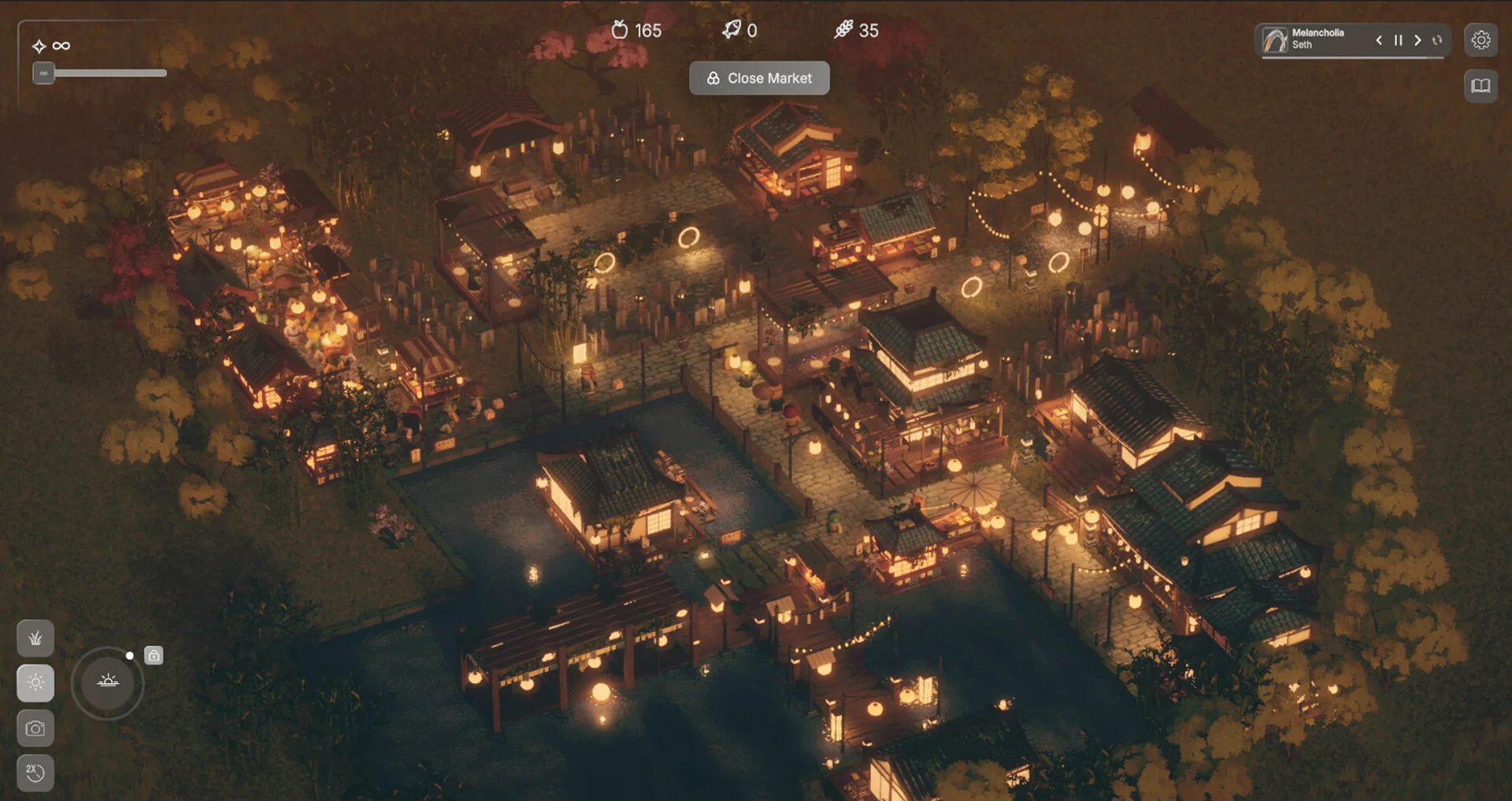
Recognize the market layout
If the gate still will not behave
Read the build number in the bottom-right of the initial splash screen, the location given by the developer. Report whether you are using the Demo or Early Access, show the gate arrow and nearby path, and say whether placement fails or visitors disappear after placement.
Use the Steam feedback thread for the exact situation. Keep any existing save. The cited replies do not establish a universal reinstall, save deletion, graphics-driver or purchase-based fix.
For trouble changing the gate’s orientation, use the building controls and safe-editing checks. A working entrance does not produce Fresh or Protein; those need a matching production setup.
What a successful check looks like
You can identify the road-facing arrow, a gate beside the path and clear arrival space behind it. If the local transparency symptom remains, you have a version number and layout evidence to report instead of blindly rebuilding the market.
Sources & version
- TheLaba, October 27: Demo gate placement and main-build distinction ↗
- TheLaba, September 30: road connection and free space behind the gate ↗
- TheLaba, September 26: visitor mask and splash-screen version number ↗
- TheLaba, September 30: R and Q/E controls ↗
Developer statements are distinguished from our troubleshooting order. No pixel-perfect layout, exact clearance or full successful playthrough is claimed.